Using Pictory for YouTube without losing your message
Pictory for YouTube is worth considering when you have a script, article, or recording but need a clearer path to a finished video. The hard part is not simply assembling scenes: it is deciding what viewers need to see, hear, and understand before they click away. Start with one audience question and one takeaway, then treat every suggested scene as a draft to review.
This independent Pictory guide links to Vidione, a separate paid tool for one prompt-to-video clip or a talking avatar made from a photo, script and voice. Signup includes 0 generation credits; generation requires a subscription ($99, $199 or $599/month). Confirm current terms before paying.
Choose the source you already have. These workflows describe editorial decisions to make, not guaranteed controls in any particular product.
1
Turn an article into an explainer
Extract the article’s central claim and three supporting points. Rewrite long paragraphs as short narration, then pair each point with a visual that clarifies it. Keep citations and qualifications that would be misleading to omit.
2
Shape a script into a demonstration
Mark the hook, demonstration, and conclusion before assembling scenes. Identify moments that require your own screen recording or product footage rather than generic imagery. Read the narration aloud to catch awkward transitions.
3
Repurpose a longer recording
Choose a self-contained question from the recording and write a fresh opening for that segment. Check that cuts preserve the speaker’s meaning, then prepare a title and description that accurately represent the excerpt.
Related decisions before you begin
Your source material and working device can change the plan. These adjacent guides address those choices before you commit to a video outline.
For a five-minute tutorial about organizing a home office, compare a loose source document with the plan you would want to review before publishing.
Unprepared source
Review-ready plan
Viewer promise
Unprepared source
General notes on staying organized
Review-ready plan
Show a repeatable desk-reset routine and its expected result
Opening
Unprepared source
Background information starts immediately
Review-ready plan
Name the clutter problem and preview the routine
Scene order
Unprepared source
Tips appear in the order they were written
Review-ready plan
Sort, assign a place, then maintain the setup
Visual evidence
Unprepared source
Any desk image could accompany the text
Review-ready plan
Use footage of the actual sorting and placement steps
Narration
Unprepared source
Article sentences copied without revision
Review-ready plan
Short spoken instructions matched to each action
Final check
Unprepared source
Assume the assembled video is complete
Review-ready plan
Verify claims, captions, audio, and the closing takeaway
Adapt the plan to your channel
The same source-to-review approach can support different creators, but the footage and editorial checks should fit the audience.
Tutorial creator
You have written instructions but viewers need to see where to click or what to do.
Plan narration around original demonstrations, pausing where an action needs a closer view. Keep the finished sequence understandable without the source article.
A polished edit is not automatically ready to publish. Review the material you own, the material you license, and anything viewers might mistake for a verified claim.
Source material
Reviewed scene plan
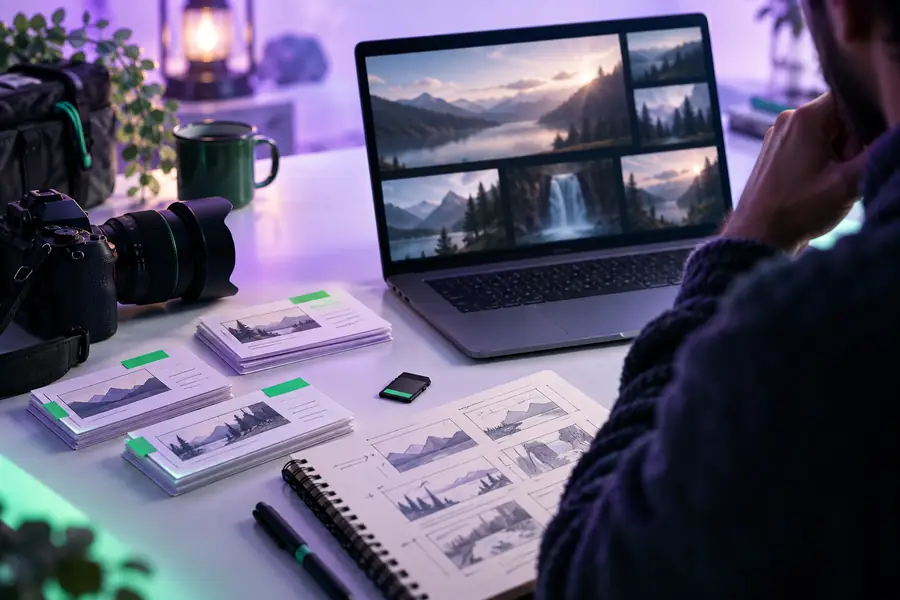
These images illustrate a planning stage, not a verified product screen or a finished upload. Confirm permission for music, footage, images, voices, and quoted clips; correct captions and factual errors; and follow YouTube’s current disclosure and platform rules where applicable.
Prepare your next video draft
Start with a story viewers can follow
This guide covers Pictory for YouTube, but the link below opens Vidione, a separate paid tool. Prepare a prompt for one video clip, or a photo, script and voice for a talking avatar; then edit and export on Vidione's timeline. It does not import an article or recording to make a video automatically. Signup includes 0 generation credits; generation requires a $99, $199 or $599/month plan (verify current terms).
Start with material you have permission to use and can explain confidently, such as your own script, article, or recording. A focused source with one clear takeaway is easier to adapt than a collection of unrelated notes.
Yes, but a blog post usually needs rewriting for speech and visual demonstration. Choose the points a viewer can follow in sequence, then check that the edit retains important context and qualifications.
Watch the complete cut for factual accuracy, readable captions, appropriate visuals, and audio that matches the intended meaning. Confirm your rights to third-party material and consult YouTube’s current rules for any disclosures that apply to your content.
Do not assume it will be. Automated scene choices can miss a specific action, imply the wrong fact, or flatten a speaker’s meaning, so make a human review part of the workflow.